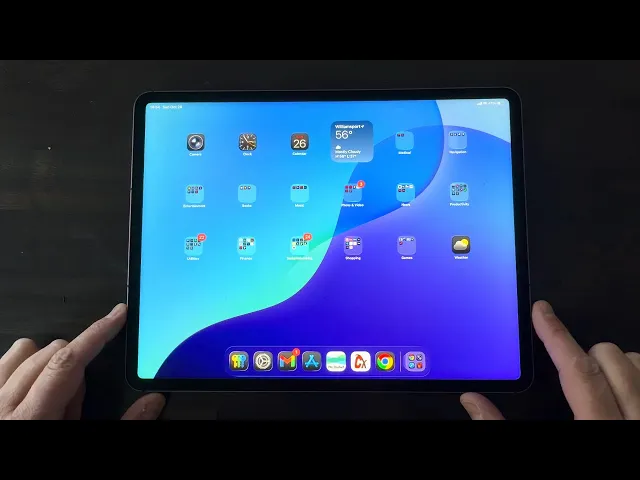
How to reset an iPad to sell it (wipe it, erase it, and remove Activation Lock)
Short answer: to reset an iPad for sale, (1) back it up, (2) sign out of your Apple Account in Settings, which turns off Find My and Activation Lock, (3) go to Settings > General > Transfer or Reset iPad > Erase All Content and Settings, and (4) remove the iPad from your devices at account.apple.com. When it boots to the "Hello" screen, it's ready for the new owner.
The order matters. Erase before you sign out and the buyer gets an iPad that asks for your Apple ID and won't go any further. Below is the full process, plus what to do if you're locked out, don't know the passcode, or are trading it in.
It works on every iPad running a recent version of iPadOS: iPad Pro, iPad Air, iPad mini and the standard iPad.
What you'll need before you start
Your Apple Account email and password (forgot it? reset it at iforgot.apple.com first)
Your iPad passcode
Wi-Fi
15 to 30 minutes, mostly waiting on the backup and erase
Step 1: Back up your iPad
Once you erase it, every photo, message and app on the device is gone for good.
iCloud: Settings > [your name] > iCloud > iCloud Backup > Back Up Now. Stay on Wi-Fi until it finishes. The free tier is 5 GB, so bigger backups may need a temporary storage upgrade or a computer.
Computer: connect to a Mac (macOS Catalina or newer, use Finder) or a Windows PC (Apple Devices app or iTunes), select the iPad and click Back Up Now. Tick "Encrypt local backup" to keep passwords and Health data.
Wait for the "Last Backup" timestamp before moving on.
Step 2: Sign out of your Apple Account (this removes Activation Lock)
Settings > [your name] > scroll down > Sign Out. Enter your Apple Account password to turn off Find My, then confirm. When the top of Settings says "Sign in to your iPad," it worked.
Step 3: Erase all content and settings
Settings > General > Transfer or Reset iPad > Erase All Content and Settings > Continue, and enter your passcode. On a cellular iPad with an eSIM, choose to erase the eSIM; the buyer will add their own plan.
The erase takes about 5 to 15 minutes. When the iPad shows the "Hello" setup screen, it's wiped. Stop there and don't set it up again.
Step 4: Remove the iPad from your Apple Account
Sign in at account.apple.com, open Devices, pick the iPad and choose Remove from Account. This stops two-factor codes from going to a device you no longer own and confirms the handoff.
How to wipe an iPad you're locked out of
If you've forgotten the passcode, the screen is broken or it's disabled:
Erase remotely: at iCloud.com, open Find My, choose the iPad and click Erase iPad. It wipes the next time it's online. Then choose Remove from Account so Activation Lock is cleared.
Recovery mode: connect it to a Mac or PC. iPads with Face ID or a top Touch ID button: press and release Volume Up, then Volume Down, then hold the Top button until the recovery screen appears. iPads with a Home button: hold the Top and Home buttons together. Then choose Restore in Finder or the Apple Devices app.
Damaged iPads still sell for parts or as projects. Say so honestly in the listing.
Common mistakes that kill an iPad sale
Erasing before signing out. Activation Lock stays on and the buyer can't use it.
Forgetting to remove it from your account. Not fatal, but causes stray 2FA codes.
Photographing it in a case. Take the case and screen protector off, clean the screen and show the real condition.
No proof of specs. Take a photo of Settings > General > About (model, capacity, serial) before you erase. It protects you from "not as described" claims.
For lighting and angles, see the ultimate guide to product photography.
How much is your iPad worth?
iPad prices swing a lot with model, year, storage, Wi-Fi vs cellular and condition. Price from what iPads like yours actually sold for, not what other sellers are asking. Check the Hero Stuff price guides, or snap a photo in the Hero Stuff app for iOS or Android to get a price from real sold listings and a ready-to-post listing for eBay and Facebook Marketplace. More on this in how to find out what anything is worth before you sell it.
Where to sell your iPad
eBay: biggest buyer pool and usually the best prices for newer models, with fees and shipping. New to it? Read how to sell on eBay.
Facebook Marketplace: fast local sales, good for older iPads. Meet in public and read up on Facebook Marketplace scams.
Apple Trade In, Amazon Trade-In, Best Buy: easiest, but pay the least.
Buyback sites (Gazelle, SellCell): in between, with a prepaid shipping label.
Final checklist before you hand it over
Boots to the "Hello" screen, not your home screen
No longer listed under Devices at account.apple.com
SIM tray empty (cellular models)
Screen clean; case and protector removed unless included
Original box, charger and cable included if you have them
Watch: video walkthrough
FAQ
How do I reset my iPad for a new owner? Sign out of your Apple Account first, then Settings > General > Transfer or Reset iPad > Erase All Content and Settings. When it shows "Hello," the new owner can set it up as their own.
Does erasing an iPad remove my iCloud account? Only if you signed out first (or erased it from Find My and then removed it from your account). Erasing while still signed in leaves Activation Lock on.
How do I erase an iPad for trade-in? Same four steps. Trade-in programs generally can't accept a device that's still Activation Locked, so sign out before erasing.
How do I clear an iPad to sell without the Apple ID password? Reset the password at iforgot.apple.com first. If you can't recover the account, contact Apple Support before listing. A wiped iPad that's still locked to someone's Apple ID can't be set up by the buyer.
What if I don't know the iPad passcode? Use recovery mode on a computer (steps above) and choose Restore. You'll still need the Apple Account password afterwards to clear Activation Lock.
How long does it take to wipe an iPad? The erase usually takes 5 to 15 minutes; with backup, plan on 15 to 30 minutes total.
Related guides
Happy flipping 🤑
The best apps for resellers in 2026

Is there an AI that creates eBay and Facebook Marketplace listings for you?

How to Import Shopify or WooCommerce Products to eBay and Facebook Marketplace
Hero now does bulk: connect Shopify, import your catalog, list everything

Hero is now available globally 🇩🇪 🇪🇬 🇮🇳
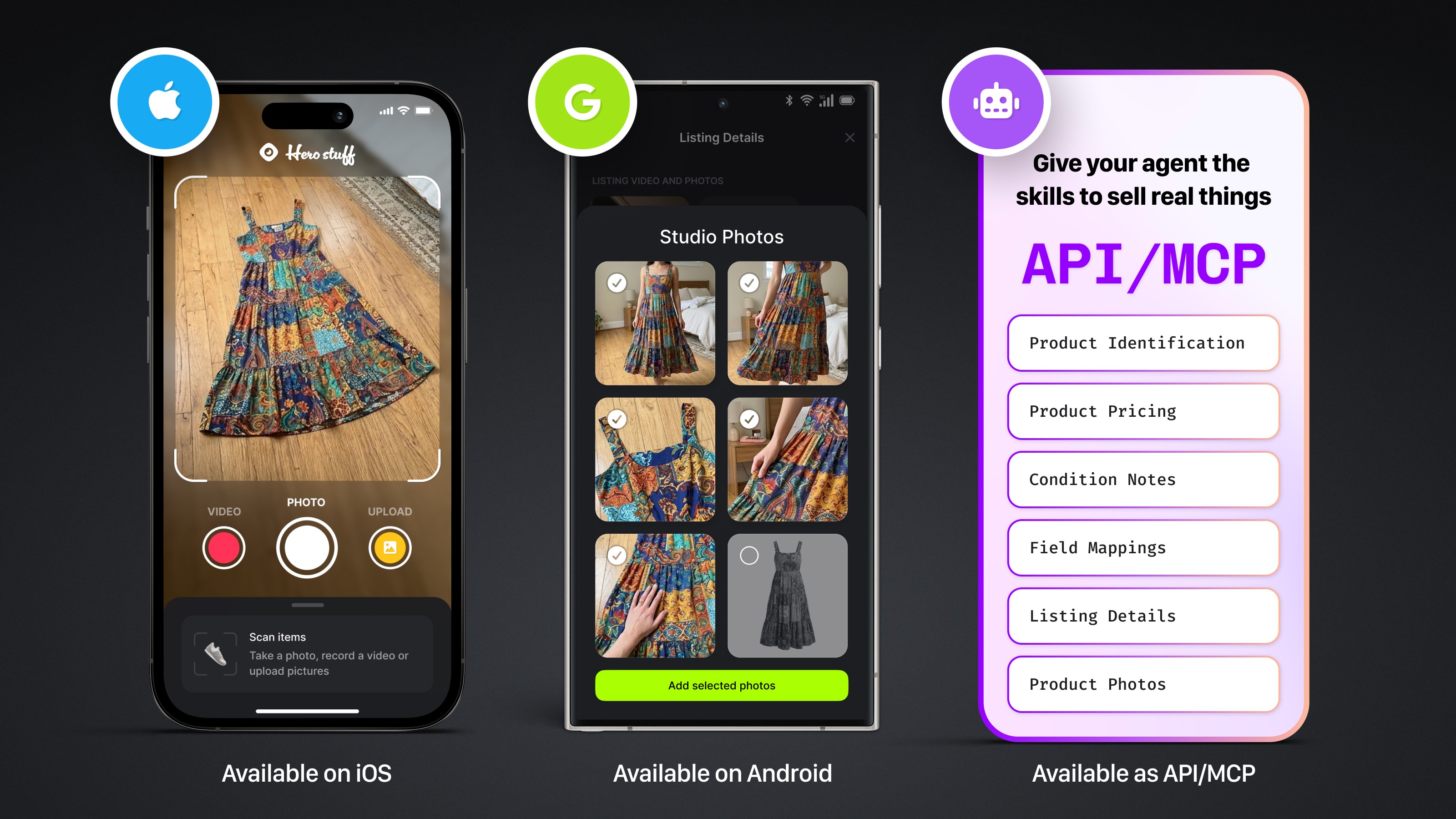
Four new ways to sell with Hero

Introducing Studio Photos: Turn one photo into six studio shots