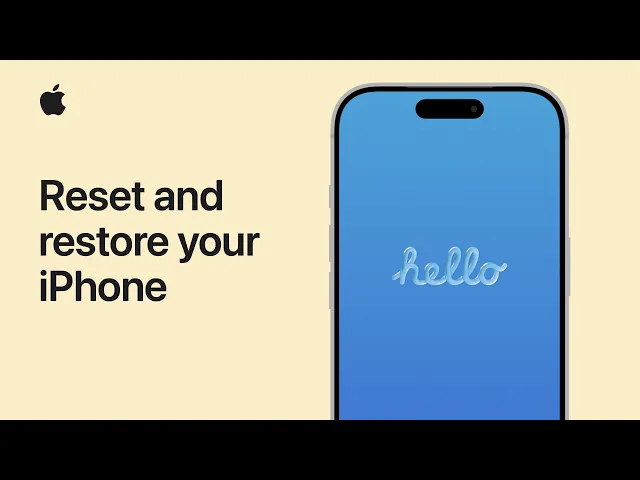
How to reset and wipe your iPhone before selling it (any model)

Short answer: back up your iPhone, then go to Settings > General > Transfer or Reset iPhone > Erase All Content and Settings, enter your passcode and Apple Account password to turn off Activation Lock, and wait for the "Hello" screen. That's a clean, sellable iPhone.
Skip the Apple Account part and the buyer can't set the phone up. You'll be dealing with a return. This guide covers the on-phone method, the computer method, older iPhones, and what to do if you've already handed it over.
Before you start
Back up to iCloud (Settings > [your name] > iCloud > iCloud Backup > Back Up Now) or to your computer.
Know your Apple Account (Apple ID) password. If you've forgotten it, reset it at iforgot.apple.com before erasing.
If you have an Apple Watch paired, unpair it first.
Method 1: Wipe the iPhone in Settings (recommended)
Open Settings > General.
Tap Transfer or Reset iPhone.
Tap Erase All Content and Settings, then Continue.
If asked about your eSIM, delete it when selling the phone.
Enter your passcode (and Screen Time passcode if you have one).
Enter your Apple Account password and tap Turn Off to remove Activation Lock.
Wait. It's done when the "Hello" screen appears.
Method 2: Restore with a computer (Mac or PC)
Use this if you prefer a computer, or the phone is acting up.
On the iPhone, turn off Find My: Settings > [your name] > Find My > Find My iPhone > off (needs your Apple Account password).
Connect the iPhone by USB. On a Mac (macOS Catalina or later) open Finder; on a PC open the Apple Devices app or iTunes.
Select the iPhone, tap Trust on the phone if prompted.
Click Restore iPhone, choose whether to back up, then confirm. The computer installs a fresh iOS and wipes the phone.
Forgot the passcode? Put the iPhone in recovery mode and choose Restore. On iPhone 8 and later: press and release Volume Up, then Volume Down, then hold the Side button until the recovery screen appears. You'll still need the Apple Account password afterwards to clear Activation Lock.
Older iPhones (iPhone 4 to iPhone 7)
Older iOS versions don't have "Transfer or Reset iPhone." Instead:
Sign out of iCloud first: Settings > iCloud (or Settings > [your name]) > Sign Out, and enter your Apple ID password.
Go to Settings > General > Reset > Erase All Content and Settings.
Confirm with your passcode and wait for the setup screen.
Old iPhones often sell for parts or to collectors. Mention the iOS version it's stuck on in your listing.
Already sold it? How to wipe your iPhone remotely
If the phone is already with the buyer and you didn't erase it:
Sign in at iCloud.com and open Find My.
Select the iPhone and click Erase iPhone.
After it's erased, choose Remove from Account.
The buyer's iPhone will then be free of your data and Activation Lock. Also remove it from your device list at account.apple.com.
What "Erase All Content and Settings" deletes
Photos, messages, contacts, apps, saved passwords, payment cards and settings. It does not remove iOS itself, so the buyer gets a clean phone on its current iOS version. None of your data is recoverable afterwards, which is why the backup matters.
How to confirm the reset worked
Turn the phone on. You should see the "Hello" setup screen in several languages. If you see your home screen or a passcode prompt, the erase didn't finish. Run it again. Finally, check that the iPhone no longer appears under Devices at account.apple.com.
Price it, list it, sell it
Include the original box, charger and cable if you still have them. Buyers often look for "with box" in listings, and it signals a well-kept phone.
To price it, check the Hero Stuff iPhone price guide, or snap a photo in the Hero Stuff app (iOS or Android). Hero identifies the model, suggests a price from real sold listings and writes the listing for eBay and Facebook Marketplace.
Watch: video walkthrough
FAQ
I sold my iPhone. How do I reset it? If it's already gone, erase it from Find My on iCloud.com, then choose Remove from Account. If you still have it, use Method 1 above.
How do I make my iPhone like new before selling? Erase All Content and Settings returns it to the out-of-the-box setup screen. Clean the screen and ports and remove the case before photographing it.
How do I wipe an iPhone 4 before selling? Sign out of iCloud, then Settings > General > Reset > Erase All Content and Settings.
Does a factory reset remove my Apple ID? Yes, as long as you enter your Apple Account password during the erase (or sign out first). That's what turns off Activation Lock.
Should I remove my SIM card? Yes. Take out a physical SIM, and delete the eSIM when prompted during the erase.
Related guides
Happy selling 🤑✌️
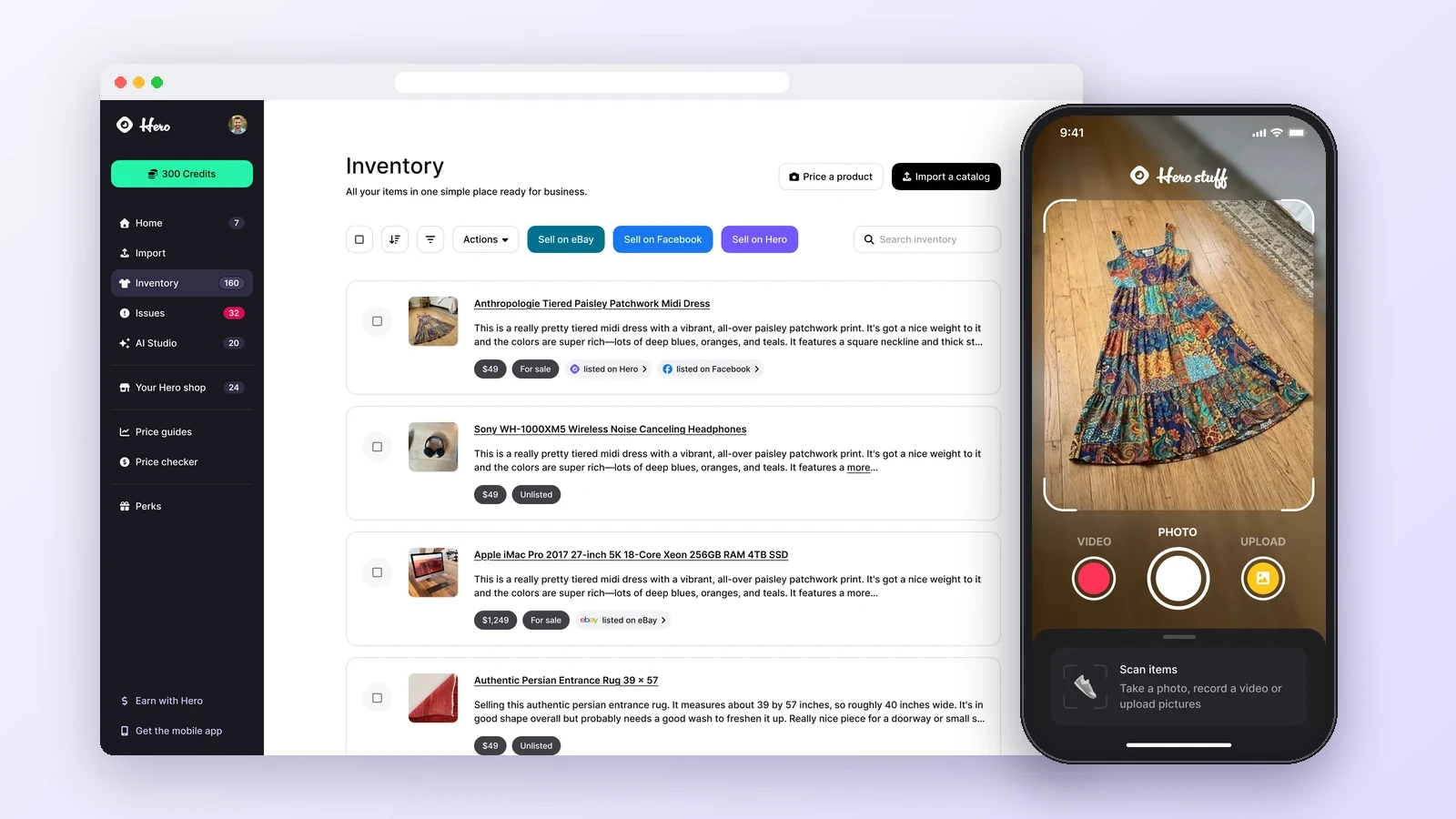
The best apps for resellers in 2026

Is there an AI that creates eBay and Facebook Marketplace listings for you?

How to Import Shopify or WooCommerce Products to eBay and Facebook Marketplace
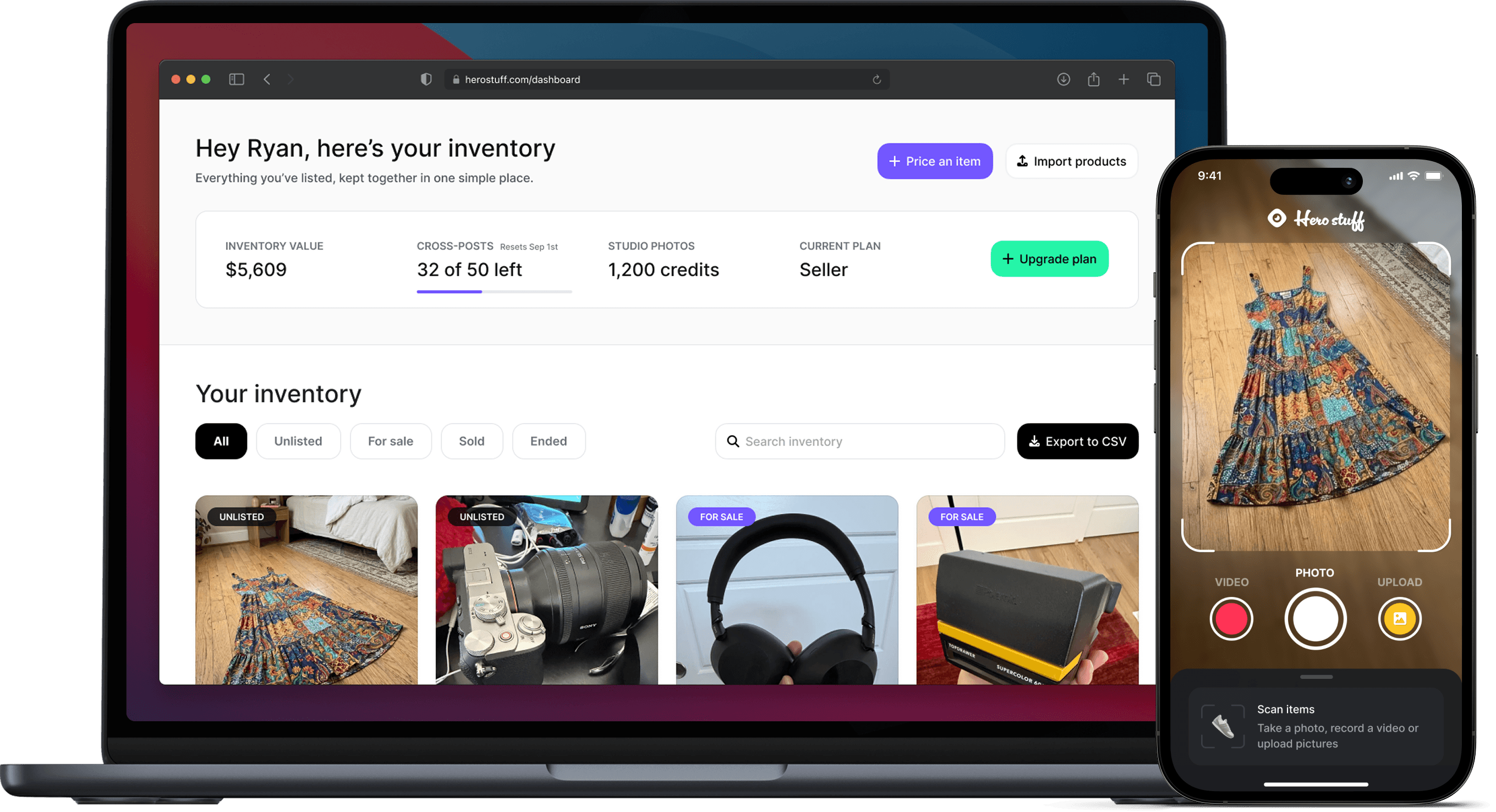
Hero now does bulk: connect Shopify, import your catalog, list everything

Hero is now available globally 🇩🇪 🇪🇬 🇮🇳
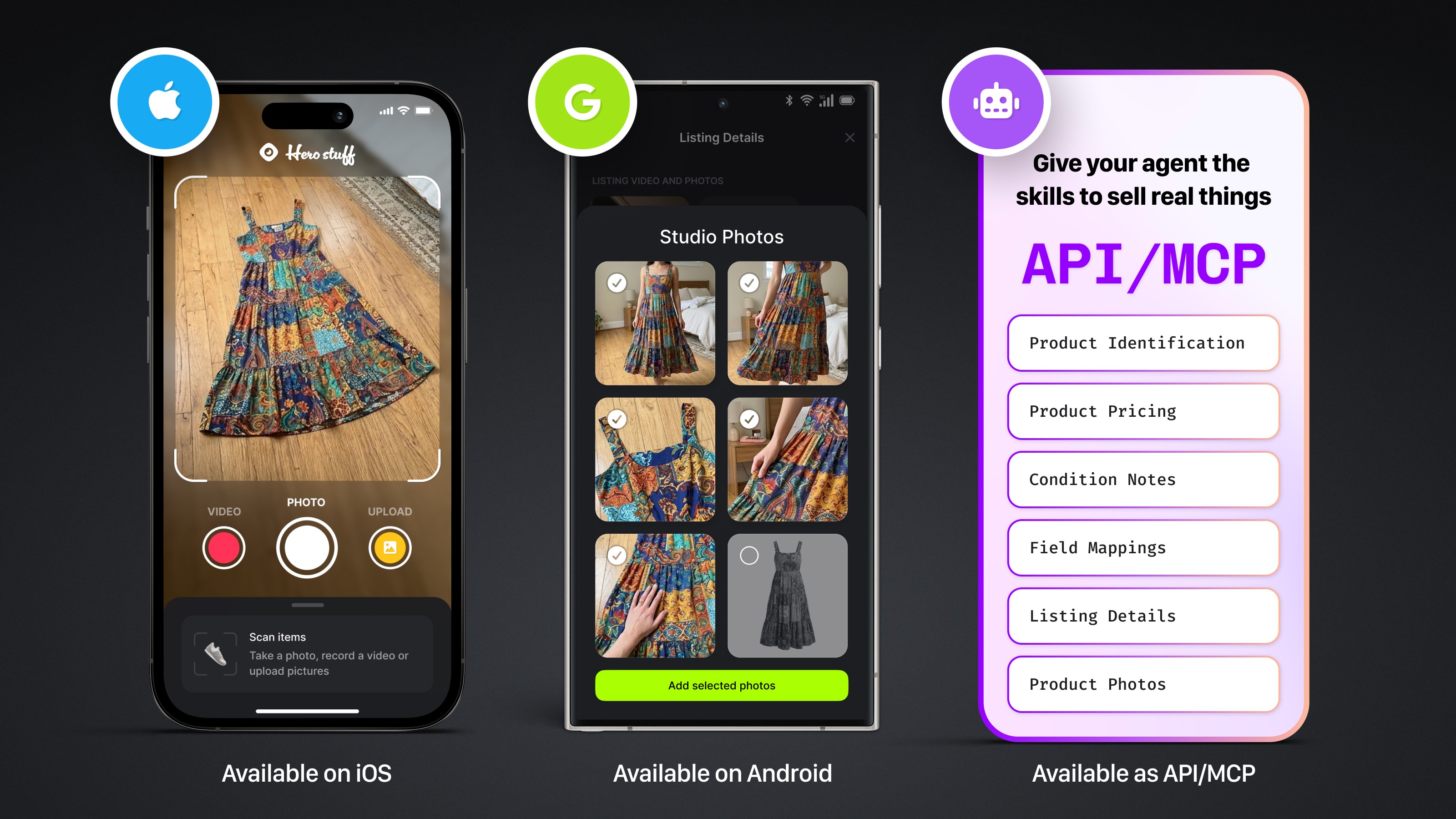
Four new ways to sell with Hero
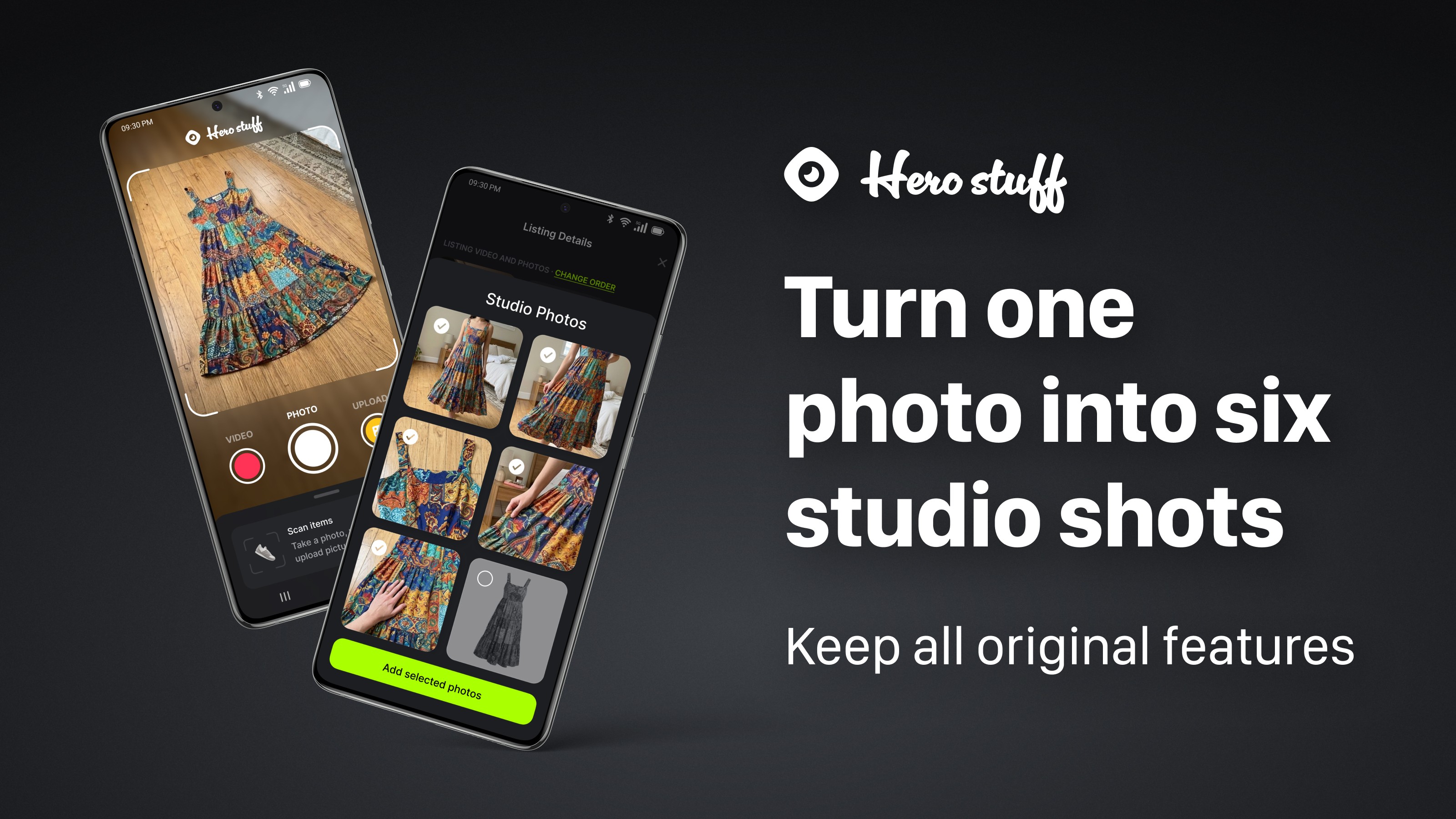
Introducing Studio Photos: Turn one photo into six studio shots