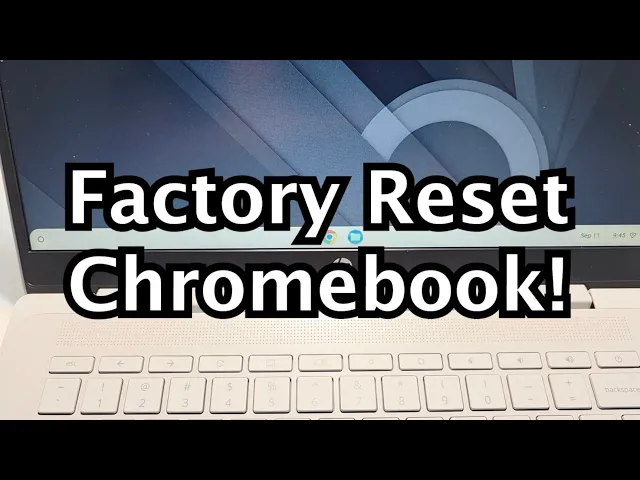
How to wipe and reset a Chromebook to sell it (Powerwash, no password needed)

Short answer: to clear a Chromebook before selling it, go to the sign-in screen, press and hold Ctrl + Alt + Shift + R, click Restart, then Powerwash > Continue. It takes a few minutes, doesn't need the old password, and leaves the Chromebook on the welcome screen ready for a new owner.
Google calls a factory reset a "Powerwash." Below are the three checks to do first, the step-by-step for both cases (with and without a password), fixes if it fails, and how to price and list it.
Before you reset: check these three things
1️⃣ Make sure it isn't a school or work device. If the sign-in screen says "This device is managed by [organization]," stop. A managed Chromebook can't be reset by you, and the buyer won't be able to use it. Contact the original owner or the organization's IT department to get it deprovisioned before listing.
2️⃣ Check the AUE (Auto Update Expiration) date. After this date Google stops sending updates. Find it in Settings > About ChromeOS > Additional details, and put it in your listing. Buyers care.
3️⃣ Plug it in. A battery dying mid-reset can leave it in a bad state.
How to reset a Chromebook (if you can sign in)
Sign in, then sign out (click the time in the bottom-right > Sign out).
On the sign-in screen, press and hold Ctrl + Alt + Shift + R.
Click Restart.
In the reset box, click Powerwash, then Continue.
Wait a few minutes.
It boots to the welcome screen like new. Don't sign in. Signing in makes you the owner account again. Just shut it down.
How to wipe a Chromebook without the password
This is the usual case for resellers.
From the sign-in screen (no login needed), press and hold Ctrl + Alt + Shift + R.
Click Restart.
Click Powerwash, then Continue, and let it run.
The shortcut works from the sign-in screen, so you don't need anyone's password.
What if Powerwash doesn't work?
Managed device: Powerwash may be greyed out or blocked. Only the organization's admin can release it.
Frozen Chromebook: hard reset first. Hold Refresh (circular arrow) + Power for about 10 seconds, then try Powerwash again.
"ChromeOS is missing or damaged": use Google's Chromebook Recovery Utility on another computer to make a recovery USB.
After the reset: before you list
Confirm a clean boot to the welcome screen with no enrollment or "managed device" warning.
Test the hardware: every key, trackpad, ports, hinge, screen (dead pixels) and webcam.
Take real photos from several angles, including wear. See our product photography guide.
State the AUE date in the listing. It builds trust and avoids bad reviews.
How much is your Chromebook worth?
Resale prices vary a lot by model, AUE date and condition: an older model past its AUE may be worth little, while a recent one with years of updates left can sell for well over $200. Check sold listings, not active ones. The quick way is to snap a photo in the Hero Stuff app: it identifies the model, suggests a price from real sold listings and writes the listing for eBay and Facebook Marketplace. See also the electronics price guides and the ultimate guide to pricing used items online.
Where to sell it
eBay is usually best for Chromebooks: big buyer pool, easy to ship. Factor in eBay fees, and if you're new, start with how to sell on eBay. Facebook Marketplace works for quick local sales.
Watch: video walkthrough
FAQ
How do I reset a Chromebook for a new owner? Powerwash it (Ctrl + Alt + Shift + R on the sign-in screen > Restart > Powerwash) and shut it down at the welcome screen without signing in. The new owner sets it up with their own Google account.
Does Powerwash delete my Google Drive files? No. It only wipes what's stored on the device. Drive, Gmail and Photos stay in the cloud on the Google account.
Do I need to remove my Google account after the reset? No. Powerwash removes all accounts from the device.
How long does it take? The reset itself takes roughly two to ten minutes, plus a few minutes to confirm a clean boot.
Is wiping a Chromebook before recycling the same? Yes. A Powerwash removes local data and accounts, so use the same steps before recycling or donating.
Can I sell a Chromebook past its AUE date? Yes, but say so in the listing. Some buyers just want a cheap device for schoolwork.
Related guides
Happy flipping ✌️
The best apps for resellers in 2026

Is there an AI that creates eBay and Facebook Marketplace listings for you?

How to Import Shopify or WooCommerce Products to eBay and Facebook Marketplace
Hero now does bulk: connect Shopify, import your catalog, list everything

Hero is now available globally 🇩🇪 🇪🇬 🇮🇳
Four new ways to sell with Hero
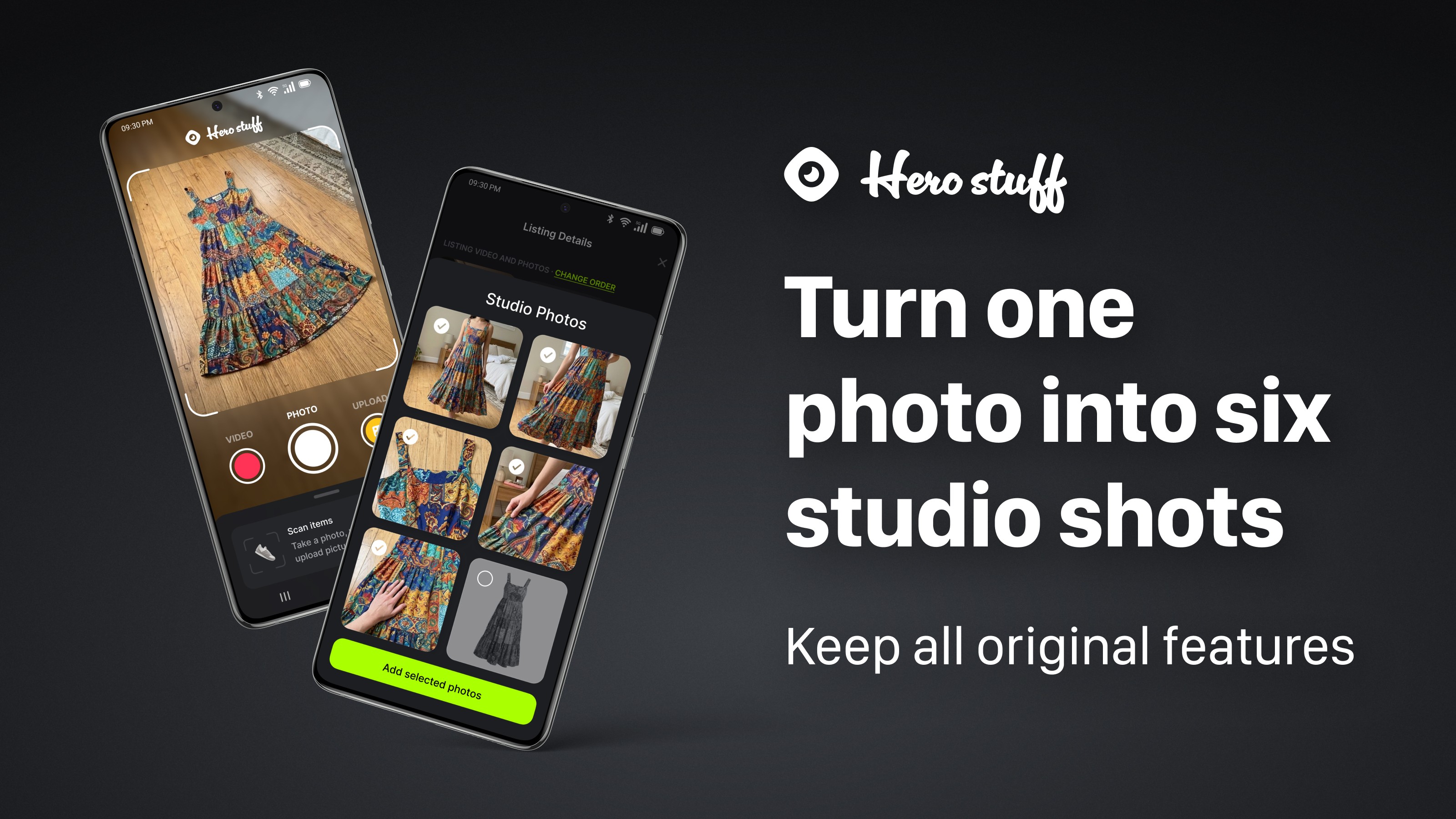
Introducing Studio Photos: Turn one photo into six studio shots